Scribe
Chart note
AGIMAN drafts the visit note from the transcript in your charting style. You edit and sign.
// AGIMAN · local AI agent
AGIMAN runs on your network. It captures the visit, drafts the note, suggests the codes, and prepares the referrals, intake, and follow-up around each visit. You review and sign off. Nothing leaves the building unless you approve it.
Hover to explore
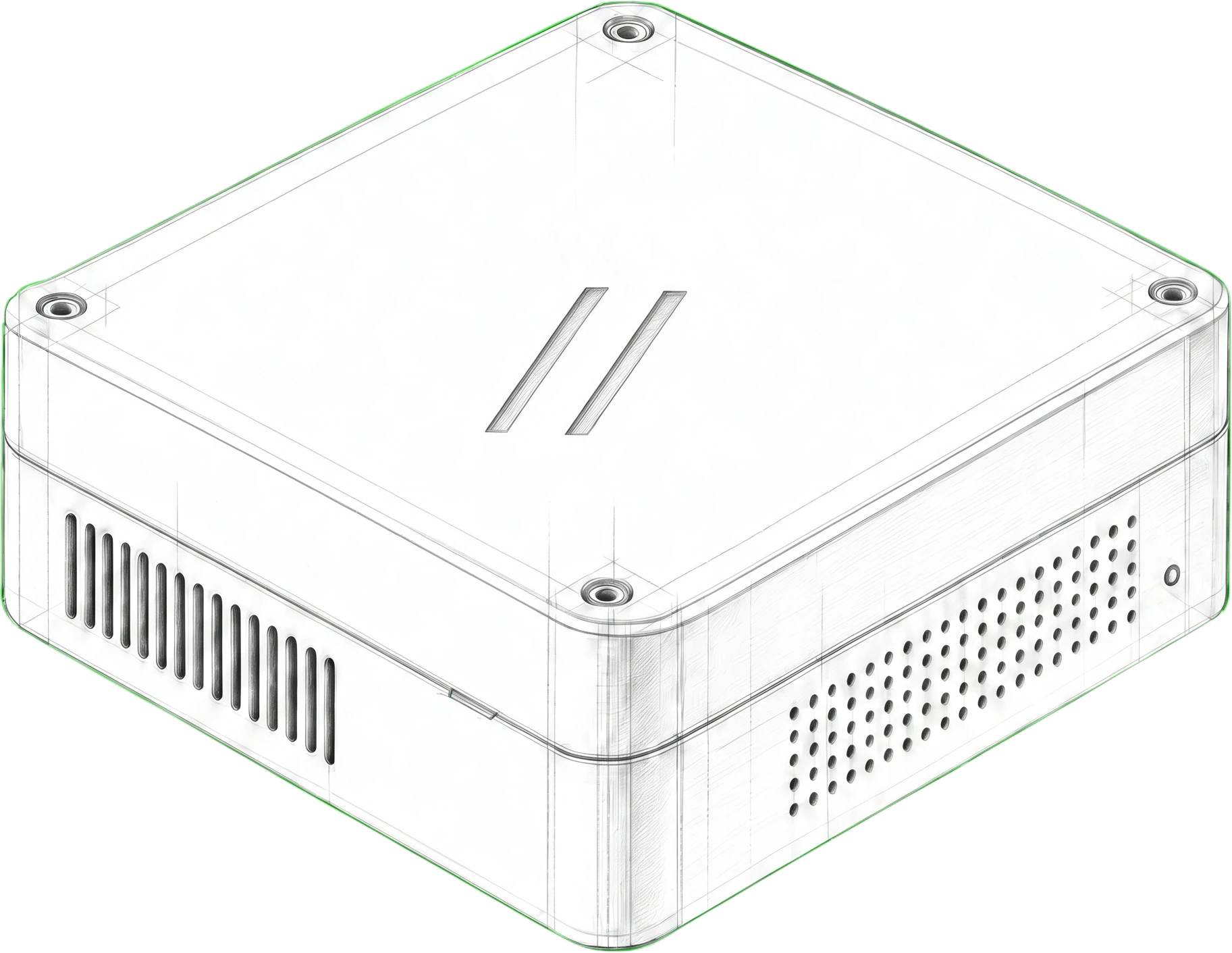 EnclosurePractice owned appliance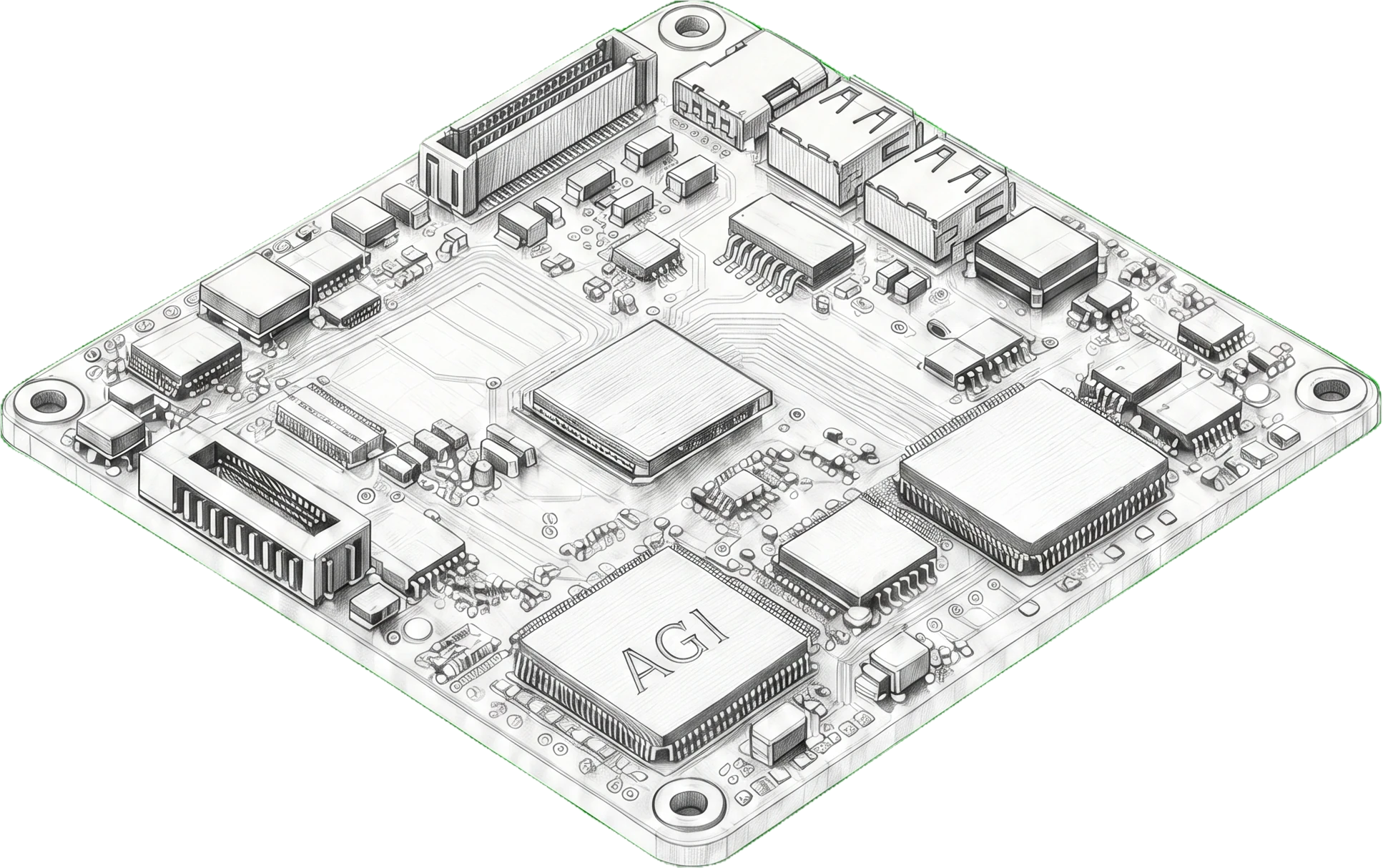
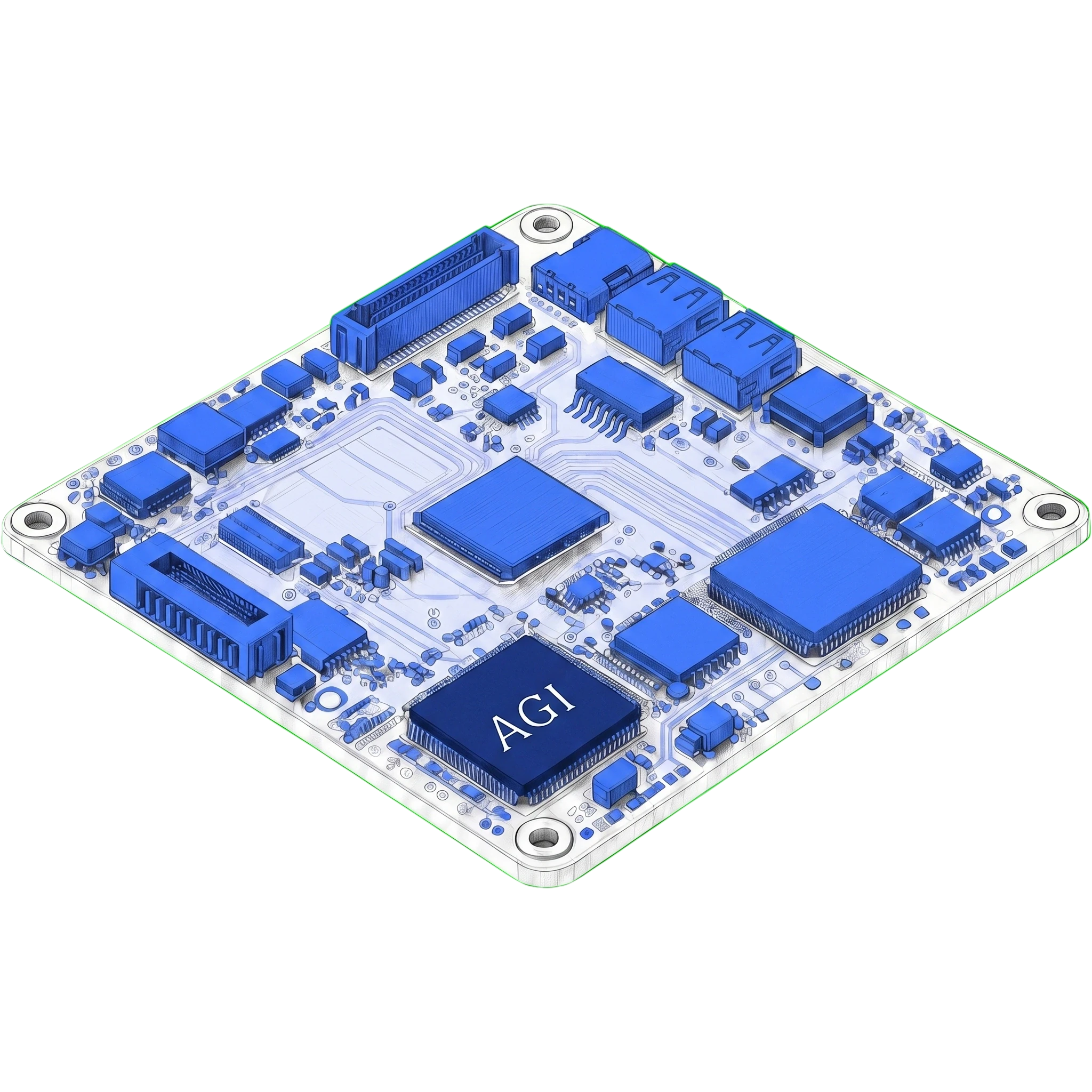 Drafting and codingDraft, code, prepare
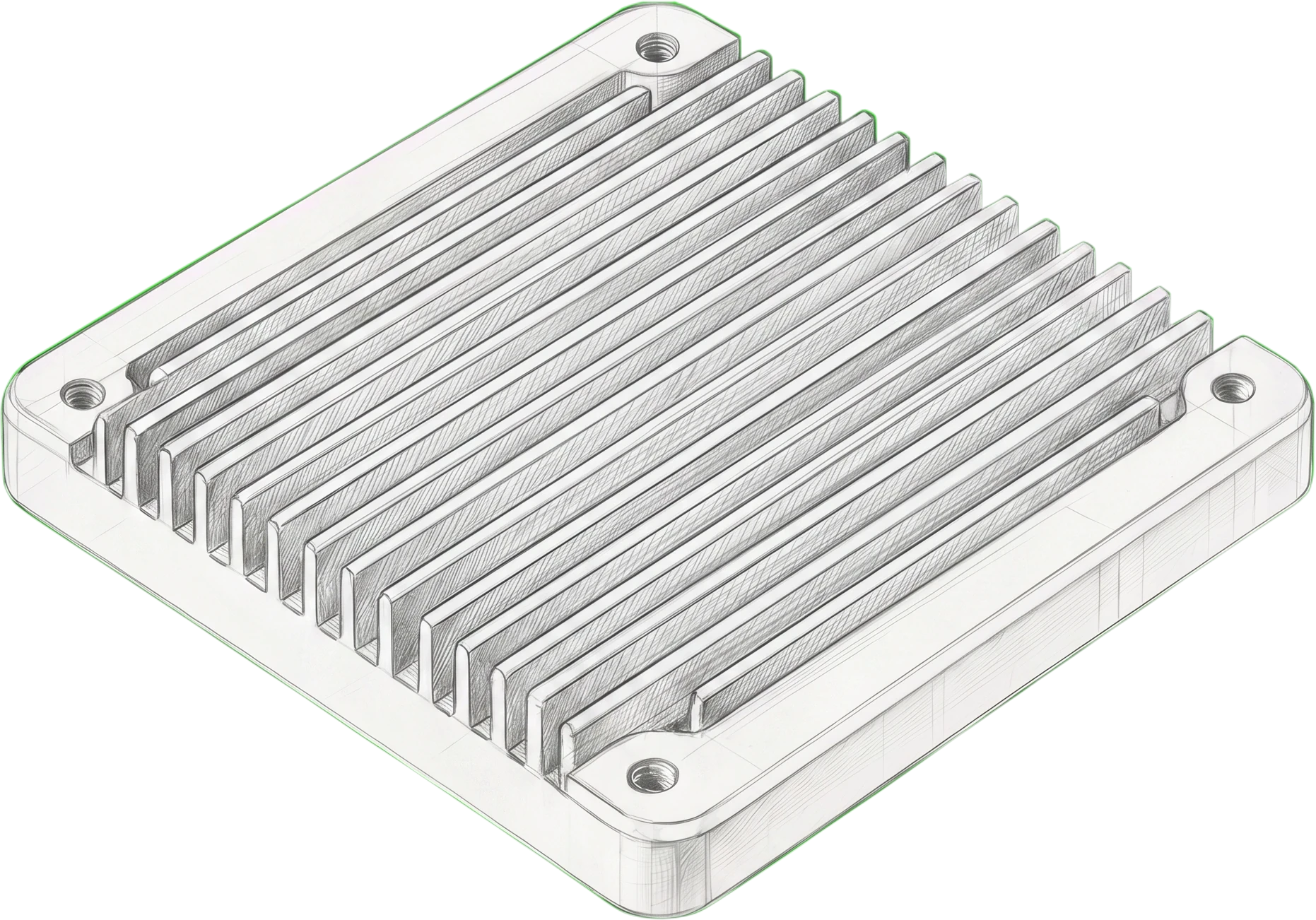 CoolingHeatsink, sustained runs
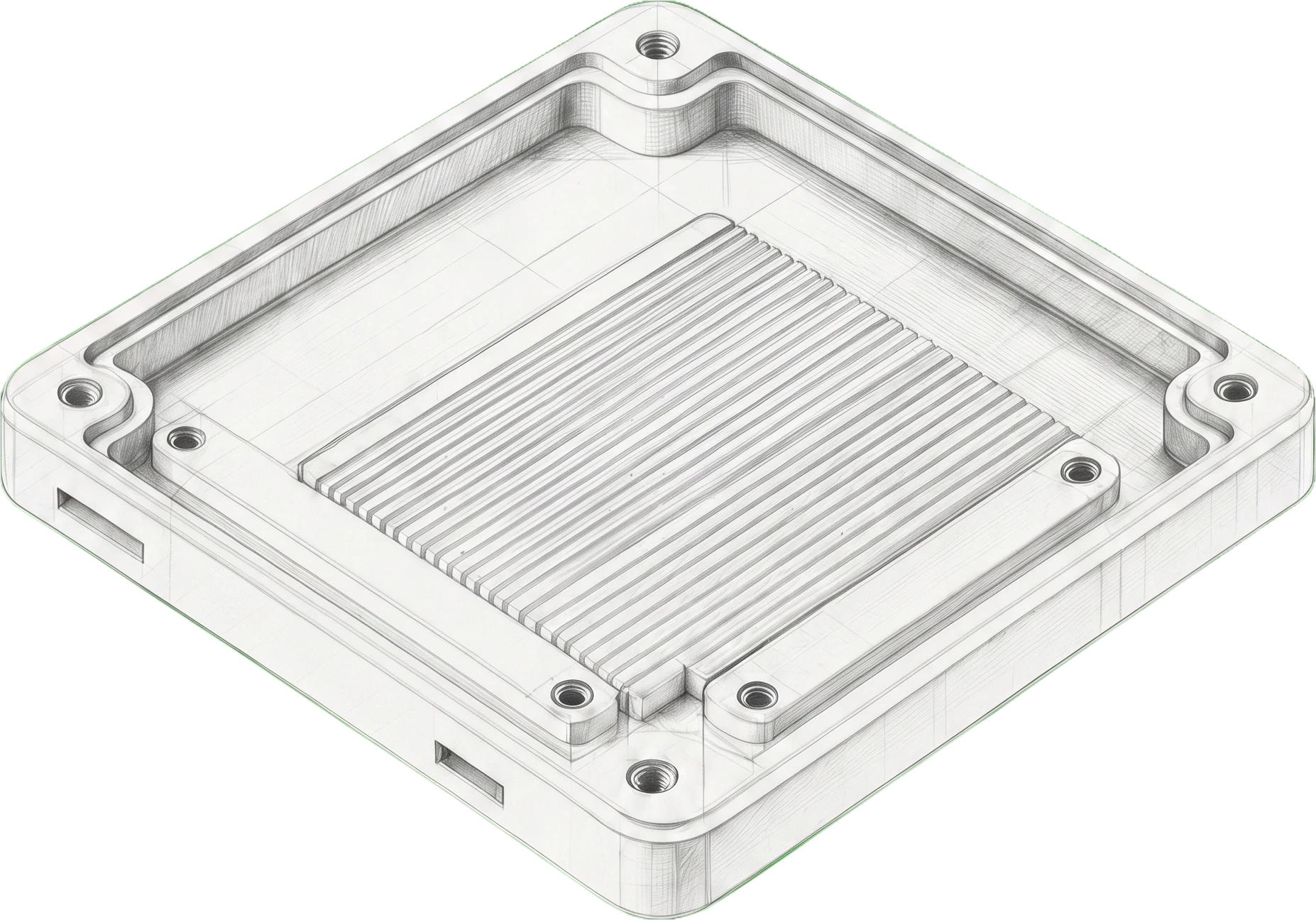 Review storeLocal review record
Draft, code, prepare
AGIMAN turns the transcript into a draft note, suggests ICD and CPT codes for the visit, and prepares referrals and intake. Nothing is sent to an outside drafting service. Output waits for your review.
Task
Draft note and documents
Coding
ICD and CPT suggestions
Boundary
Practice network
Output
Held for review
Review rule
AGIMAN can draft. You still check the transcript, edit the note, and decide what reaches the chart.
Beyond the note
Most of the work around a visit is not the note. AGIMAN keeps going after the chart: it codes the encounter, prepares the paperwork, and hands clean work to the people who own it.
AGIMAN drafts the visit note from the transcript in your charting style. You edit and sign.
It suggests diagnosis and procedure codes for the encounter so the claim starts cleaner. The biller confirms.
It prepares referral letters and patient handouts from what was said, ready for your review.
It fills structured intake and visit forms from the encounter instead of leaving them for after hours.
It drafts the follow-up task and schedule note so the next visit is booked before the patient leaves.
After sign-off, the approved note and codes sync to your EHR through the access path the practice approves.
The workflow
AGIMAN works in the background so you can stay present with the patient. The note is ready for review when you are, not at the end of the day.
Before the visit
AGIMAN pulls the schedule and the last note so the room is set up before the patient sits down.
During the visit
An AGIMINION room device captures the conversation. The audio stays on your network. You are not typing.
After the visit
The note, codes, and documents are drafted and waiting. You review, sign off, and the approved note syncs to the EHR.
On your network
AGIMAN is local first. The audio, the transcript, and the draft live on an appliance you own. That is the difference from cloud scribes, and it is the part cautious practices ask about first.
AGIMINION
Room capture
AGIMAN
Local appliance
The appliance sits in your practice. Patient audio does not leave the building to be processed.
Drafts become chart text only after you read the transcript, edit the note, and sign off.
Chart text, codes, and files use the EHR and PM access paths the practice approves.
A BAA is available, and the review log and version history stay under your control.
Works with your systems
AGIMAN maps reviewed chart text and codes to the fields your EHR and PM approve. The first export path is scoped and tested against your instance before it is turned on.
Reviewed mappings for US EHR, PM, and post-acute systems. Each integration is tested against your instance before go-live.
Scheduling, mail, and files
Office systems
 Google CalendarScheduling
 GmailMail
 Microsoft OutlookMail / calendar
 iCloudFiles
Benchmark
AGIMAN running on the appliance scores ahead of nearby local edge and small cloud models on a standard medical test. The number reflects structured clinical tasks, not final chart quality. A clinician still reviews every note before it is signed.
On site
73.7
Local appliance
Comparison
72.9
Local
Comparison
71.4
Local
Comparison
70.7
Cloud
Comparison
69.0
Cloud
The comparison rows are category baselines, not specific products. See the full method and per-model results in the truesilver medical LLM benchmark.
Buy AGIMAN
Buy the appliance and the room devices you need. Add an annual software and support plan, then scope the EHR and RCM workflow with us. Free US shipping, ships in about two weeks.
Practice network appliance
$999
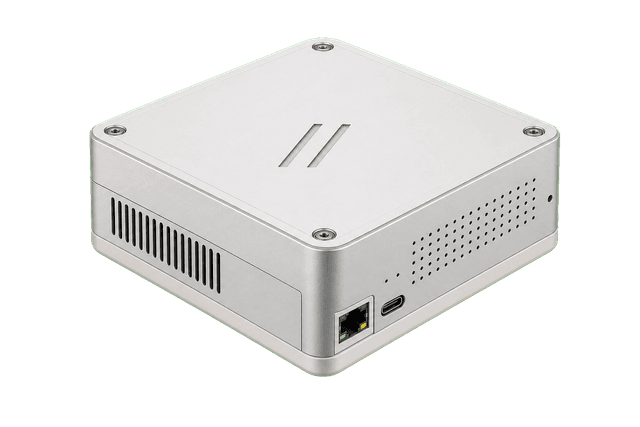
One local appliance for transcription, note drafting, and workflow automation on the practice network.
Room capture device
$299
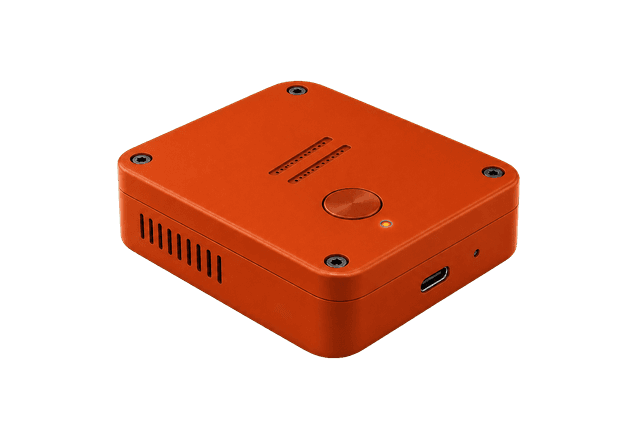
Room capture point for desks, side tables, or staff areas.
Annual software and support
Updates, maintenance, and support keep the appliance current.
Workflow implementation
Structured exports, RCM support, and EHR integration scoped per practice.
Free US shipping
Ships in about two weeks. US addresses only.
Clinic and group orders
Tell us your EHR, your specialties, and how many rooms you want to cover. We will scope deployment, the compliance packet, and bulk pricing, and reply within one business day.
Questions
Yes. AGIMAN drafts. The provider reads the transcript, edits the note, and signs before anything enters the EHR.
On the AGIMAN appliance inside your network. Audio, transcripts, and drafts stay on site unless you approve an export.
We have reviewed mappings for Epic, athenahealth, Oracle Health, Canvas, eClinicalWorks, NextGen, Veradigm, Greenway, AdvancedMD, DrChrono, MEDITECH, Tebra, and more. Each integration is tested against your instance before go-live.
Plug in the appliance, connect it to your network, and add AGIMINION room devices. Note drafting works first. The first EHR export path is scoped and reviewed before it is turned on, usually within 1 to 2 weeks.
Yes. Processing stays on your network, a BAA is available, and we supply the documentation a buyer needs for diligence.
No. The scribe is where AGIMAN starts. It also suggests ICD and CPT codes, prepares referrals and intake, drafts follow-up tasks, and syncs approved work to the EHR.
Bring AGIMAN in
Buy the appliance today, or talk to us about covering a whole clinic. Either way, the work stays on your network and the clinician signs every note.